N4D Animate Brings Static 3D Characters to Life with Preset Motions
Creators can rig existing Studio assets, apply preset animations, and export animated GLB files, with a new Skeleton
Press Release Disclaimer: This is a press release distributed through the XPR Media network. It has not been independently verified by our newsroom.
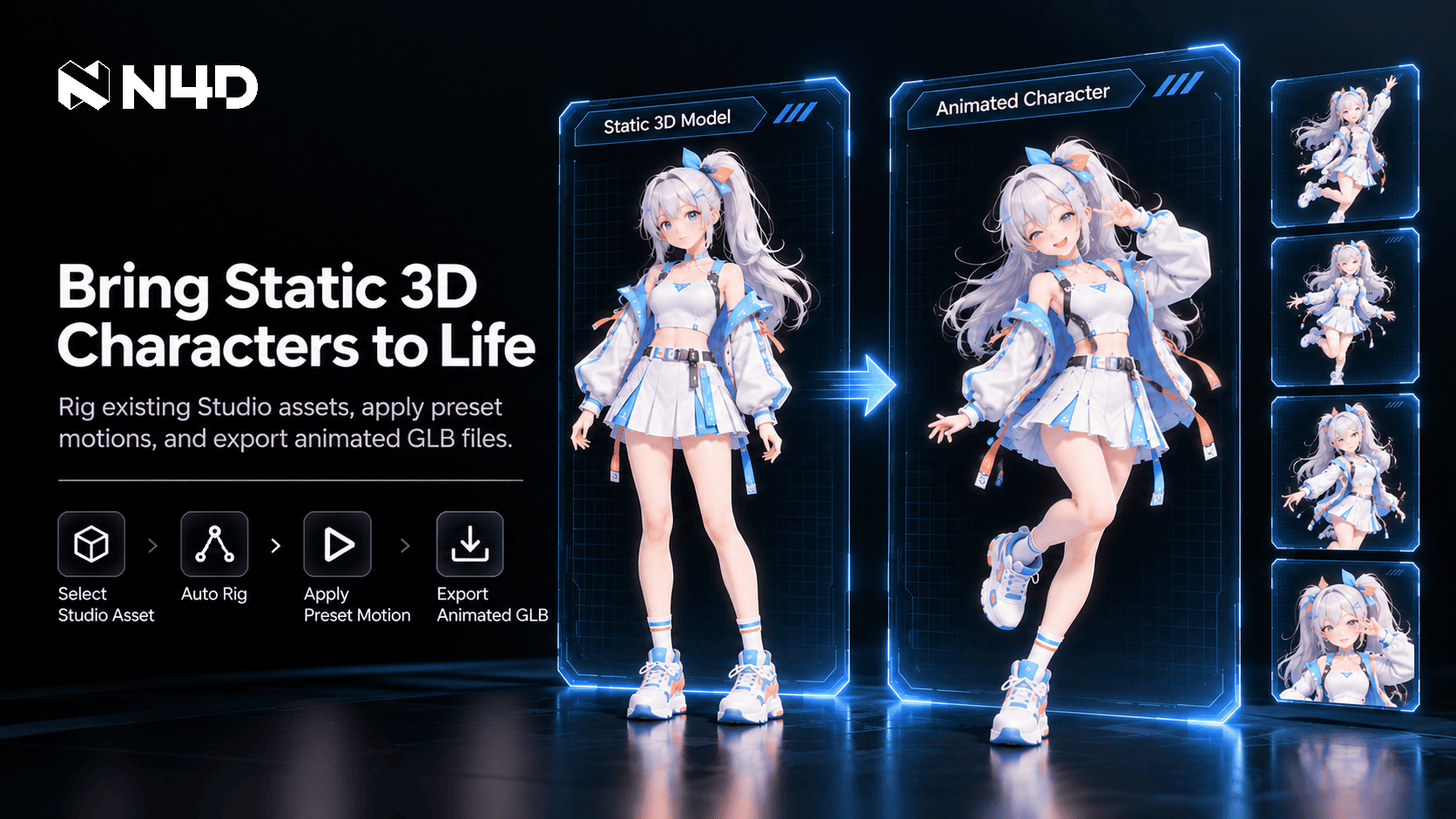

Creators can rig existing Studio assets, apply preset animations, and export animated GLB files, with a new Skeleton View option for inspecting character rigs.
NEW YORK, NY, UNITED STATES, October 28, 2026 /EINPresswire.com/ — N4D, an AI creative platform for 3D content creation, is showcasing how Animate helps creators transform static 3D characters into animated assets through an integrated workflow. Creators can bring existing Studio models into motion through rigging and preset animations, then download the results as GLB files.
Designed for assets already saved in N4D Studio, Animate helps artists explore how their character designs appear in motion. Its current preset motion library is recommended for anime girl-style characters. The workflow now also includes Skeleton View, a newly added visualization option for viewing character bones and joints during animation playback.
From Static Models to Animated Characters
Creators begin by selecting a saved 3D model from Studio assets, then use the Auto Rig control inside Animate to prepare the character for motion. Once rigging is complete, users can choose and apply a motion from the preset library. Animate supports models with a polycount of up to 300K; assets exceeding this limit require Remesh before rigging. Rigging prepares the selected model for motion and is an integrated step in the animation workflow. Once rigging is complete, users choose and apply a motion from the preset library.
The viewer provides playback for reviewing the animated result before export. Creators can observe the character’s changing poses and see how the applied motion looks on their model. They can then download the animated asset as a GLB file containing the model and its animation. The process uses the available preset motions, so creators do not need to supply a custom animation file.
Bringing Anime-Style Characters into Motion
For artists working with anime girl-style characters, Animate provides a way to bring existing designs into motion and review how they look across different poses. By applying a preset, creators can examine the character’s silhouette, proportions, and overall appearance as it moves. This gives the artist a view of the character beyond its original static presentation before exporting the animated result.
Inspect Character Rigs with Skeleton View
The new Skeleton View option lets creators visualize bones and joint markers directly over their 3D characters, including during motion playback.
With the overlay visible, creators can relate the displayed joints to the character’s changing pose. For example, they can observe where the arm and leg joints sit as a preset plays. Skeleton View adds this inspection option to the existing Animate workflow without adding another production step before export.
Availability
Animate is available now at https://www.neural4d.com/studio/animate. Users can sign in to their N4D account and select an existing model from Studio assets.
Product Hunt: https://www.producthunt.com/products/neural4d
G2: https://www.g2.com/sellers/neural4d
About N4D
N4D develops AI tools for creating 3D assets, images, and videos. Its 3D platform includes text- and image-based 3D model generation, texturing, remeshing, and animation workflows. N4D turns generative research into practical creative tools, helping creators move from an initial idea to a digital asset they can inspect, refine, and export.
Media Contact
Name: N4D
Email: support@neural4d.com
Website: https://www.neural4d.com
Neural4D
N4D
Visit us on social media:
LinkedIn
Instagram
Facebook
YouTube
TikTok
X
Other
Legal Disclaimer:
EIN Presswire provides this news content “as is” without warranty of any kind. We do not accept any responsibility or liability
for the accuracy, content, images, videos, licenses, completeness, legality, or reliability of the information contained in this
article. If you have any complaints or copyright issues related to this article, kindly contact the author above.

Media gallery